
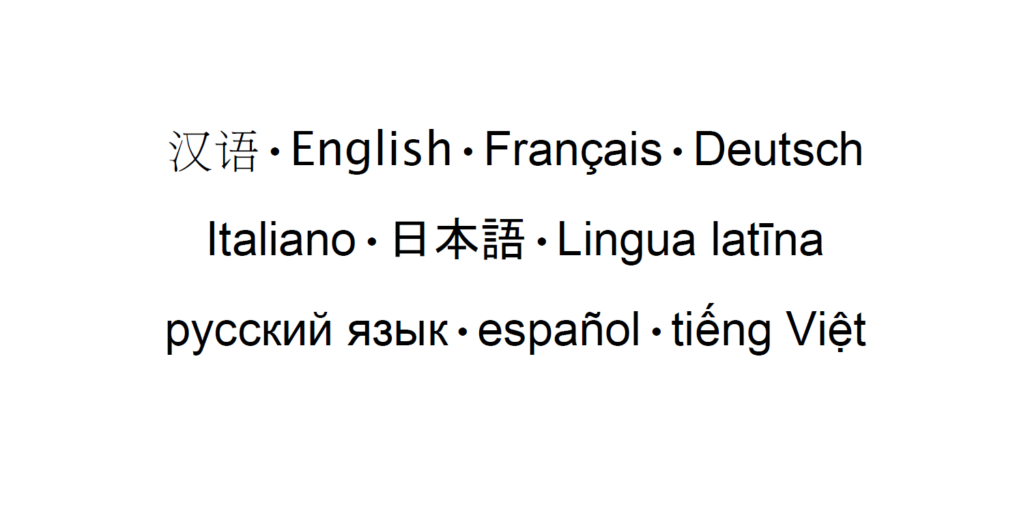

Looking for Languages?
Did you know that you can search for books, DVDs, music, and more in other languages?
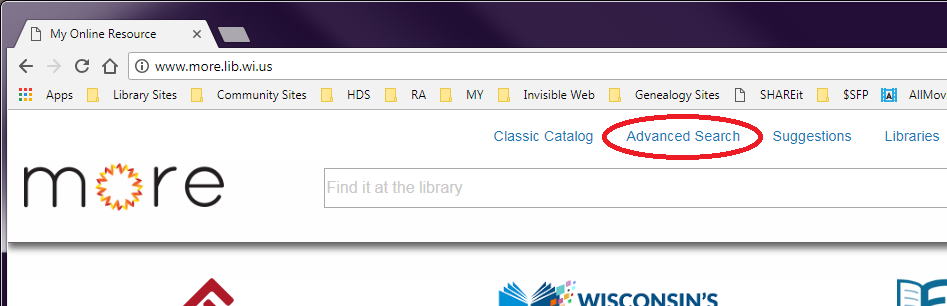
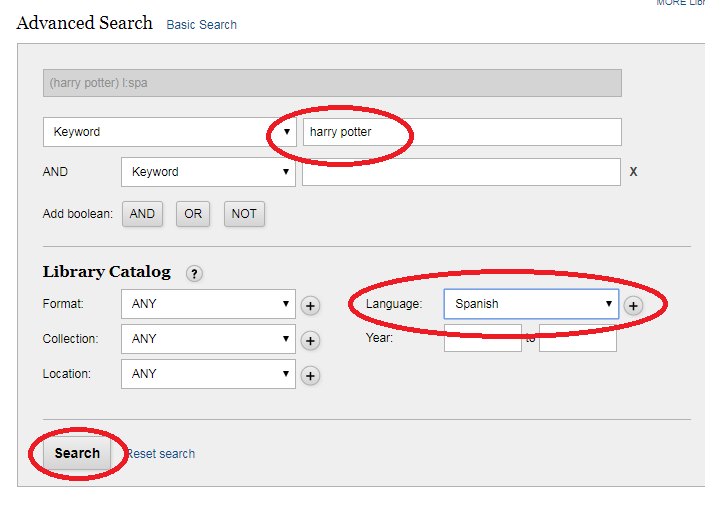
Head over to the online catalog and click “Advanced Search” in the header. You’ll need to enter something in the search and then change the Language drop down box to the language you’re looking for. Then click the “Search” button. And there you go! The results will list everything in the MORE catalog matching your search terms and the selected language.
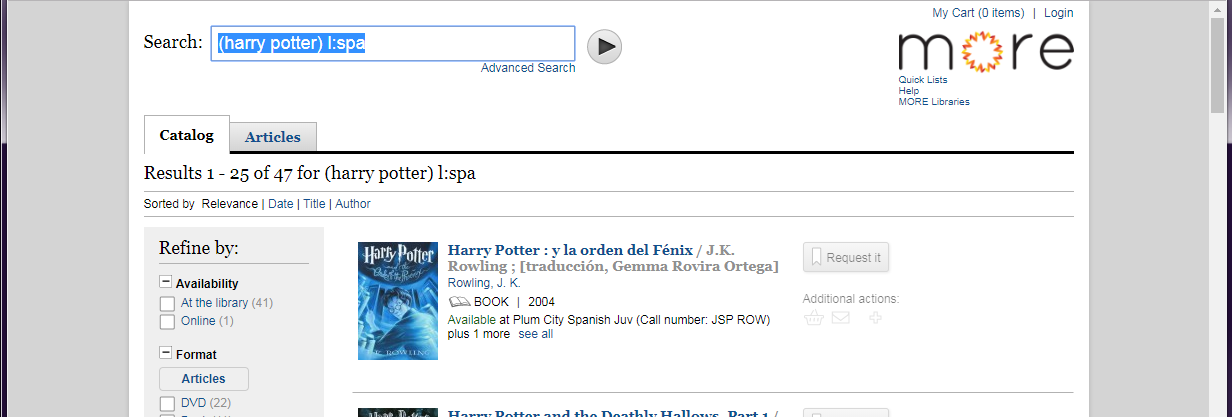
But what if you want to see everything that’s available in a specific language? That’s just one more step: After entering anything in the search fields, selecting your language, and clicking “Search”, you’ll be on the results screen. If you delete everything now visible in the Search field EXCEPT the l:ccc (where ccc changes based on the language you selected) and then search again, you’ll find everything in the MORE system in that language.
 If you don’t find what you’re looking for, don’t give up quite yet. If it’s a newer item, you can help us by submitting a suggestion for purchase. If it’s older, you can request an Interlibrary Loan from Information & Reference. You can read more about either option or stop by Information & Reference.


Add a Comment
Now we'd like to hear your thoughts! Comments and suggestions are welcome!